Delete a Signature or your Initials
You can delete a signature or your initials.
- On the Home page, select My Signatures from the navigation menu.
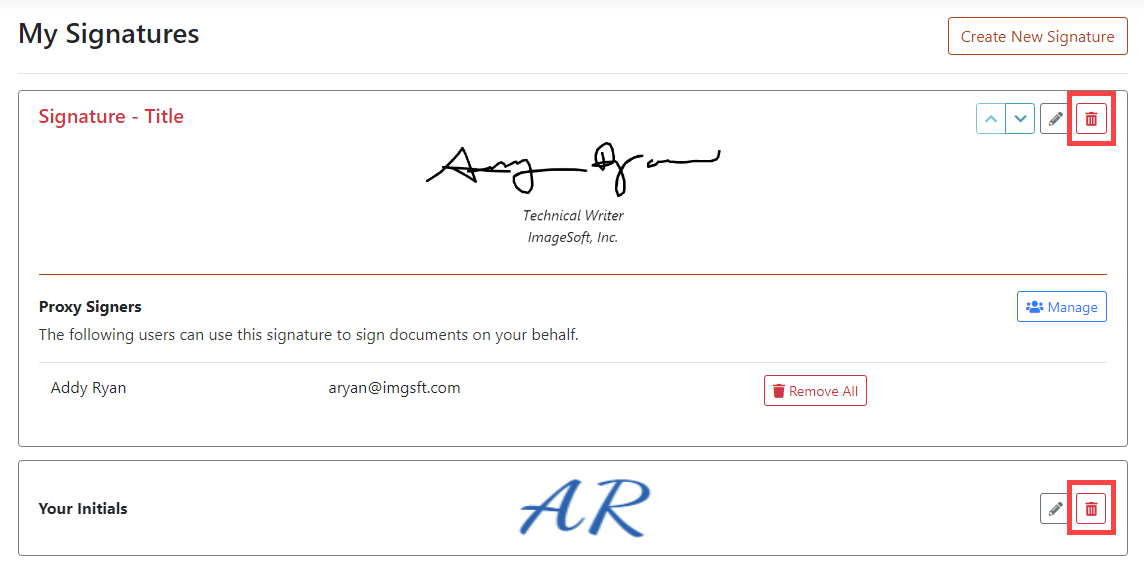
- Locate the signature or initials to delete.
- Click the Delete icon. A confirmation dialog is displayed.
- Click Delete to confirm the deletion; click the X in the upper-right corner to cancel the operation.