Send your Envelope for Signature
Once the envelope is properly configured, you can send it to the specified signers for their signature.
First, access Designer.
- Launch TrueSign. The Home page is displayed.
- Click the My Envelopes tab. Existing envelopes are listed.
- Locate the envelope to configure.
- Click the Design button.
The Designer interface is launched.
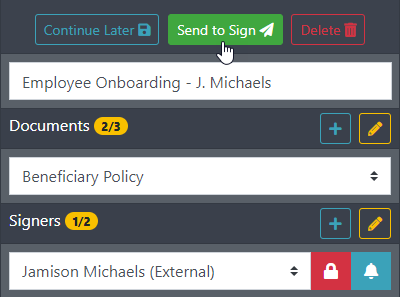
- Click Send to Sign.
A confirmation dialog is displayed. The signers are listed.
You can add a message for each signer or create one message for all signers.
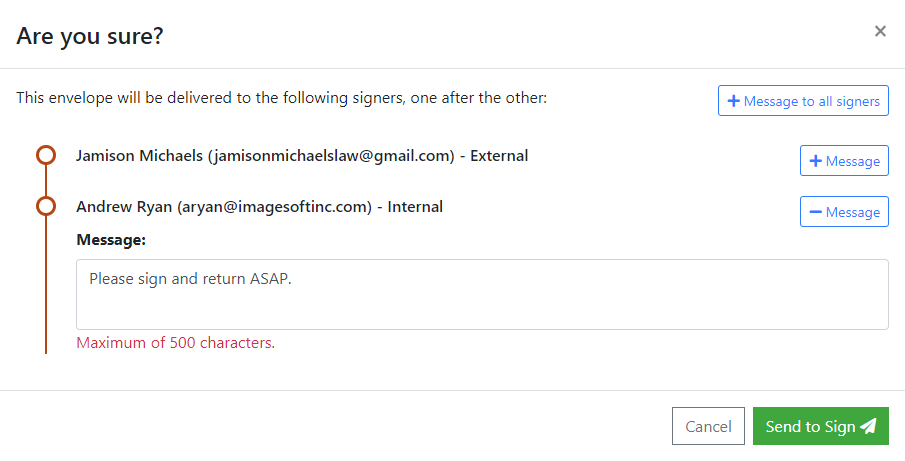
- Click the Message button to expand the message pane.
- Complete all messages as needed.
- Click Send to Sign.
You're returned to the My Envelopes tab on the Home page.
The signers will receive an email indicating an envelope requires their signature. They'll click the link in the email to launch TrueSign, where they can sign the documents.