Access
the appropriate  Case
Details page.
Case
Details page.
In some courts, the Register of Actions is available through the court's website. You can access this website through a link in TrueFiling.
Access
the appropriate Case
Details page.
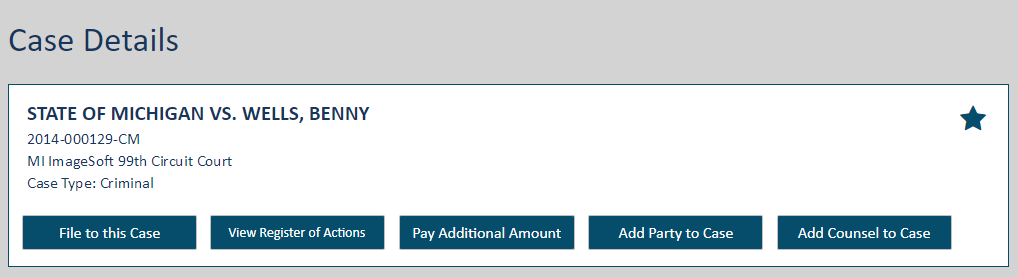
The court can be configured to prevent Standard contacts from accessing or viewing the Register of Actions for the case. As such, the View Register of Actions button will not be available if you are a Standard contact on this case. See Verified and Standard Case Contacts for more information on Verified contacts.
Further, in courts that use Party Management, if this case is a non-public case, and the user is not a case participant, the View Register of Actions button won't be visible.
Click the View Register of Actions button.
You'll be re-directed to the court's website. Follow the directions presented there to access the Register of Actions and obtain any case files.
